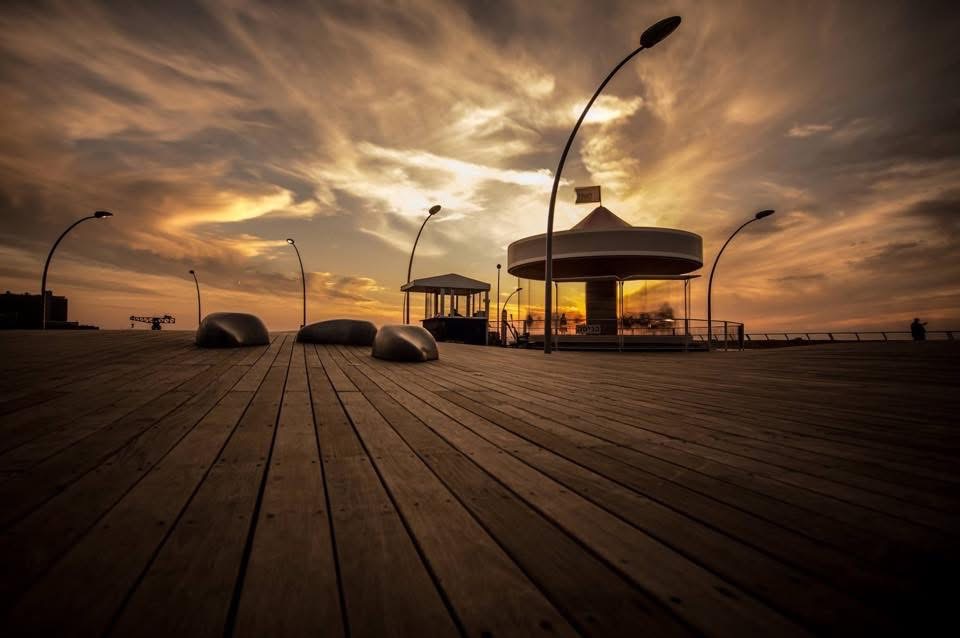
a tool for photographers

pixel-stretch

Select a row of pixels. Define where the stretch applies. Mask what to protect. Preview everything in real time. Export at full resolution. No Photoshop. No generative AI. Just your eye.

launch tool → gallery
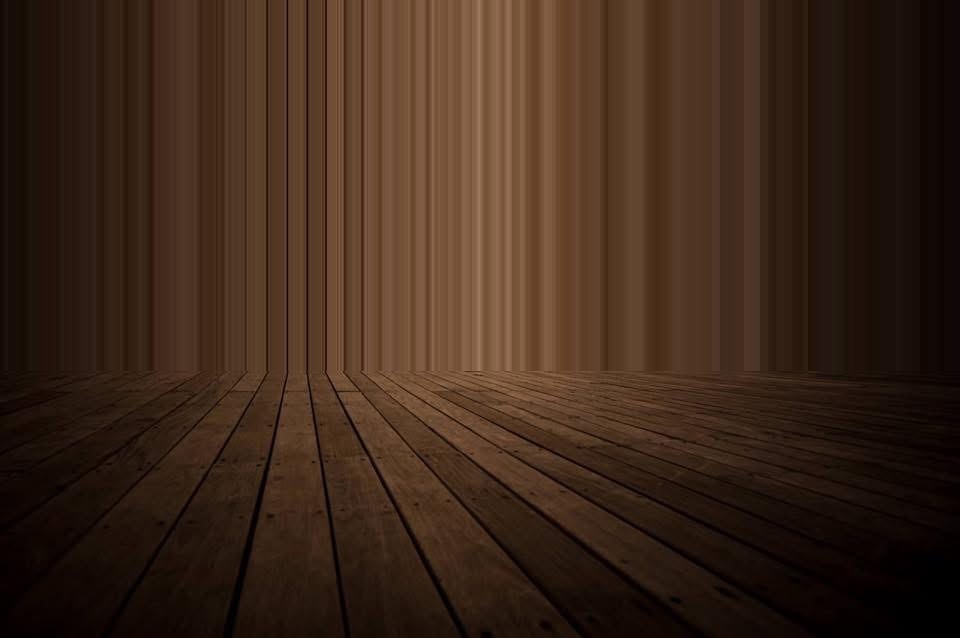
Wave pixel stretch creating a Rothko-like composition
horizontal stretch · source at wave line · full zone · no mask

Watch the strip travel

Each pane loops a live stretch: a single row or column is sampled from the photo, then repeated across the zone. The pink line tracks where the effect has reached.

Kayaker source Kayaker stretched horizontally
horizontal source at waterline · subject protected
Columns source Columns stretched vertically
vertical source at lamp row · zone below
Bridge source Bridge stretched vertically
vertical source at column base · full zone
the idea

One row of pixels, stretched into a painting

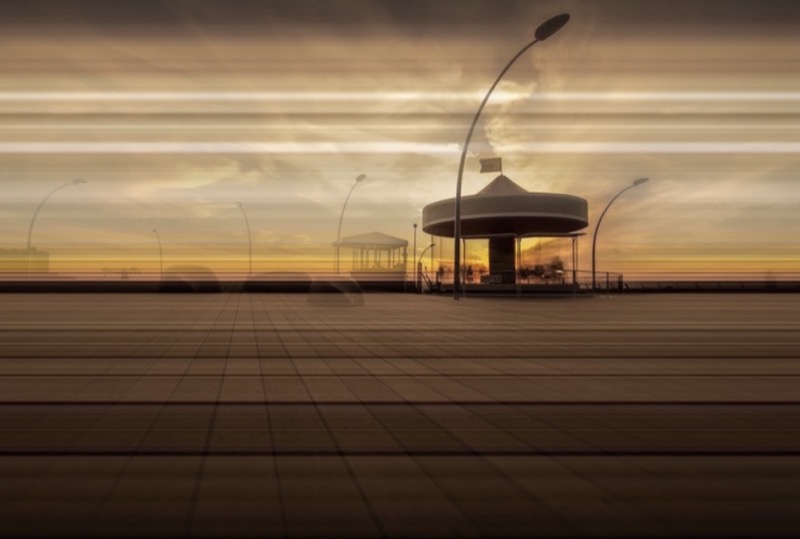
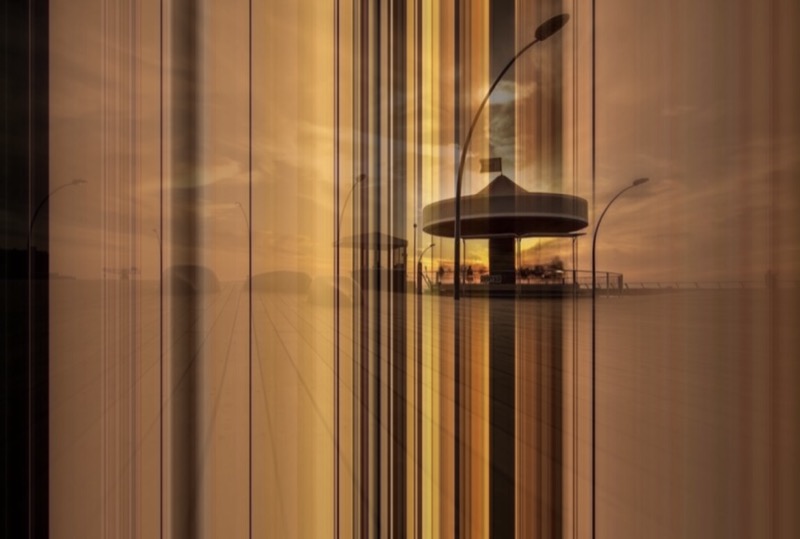
Pixel stretching takes a single row or column from your image and repeats it across a region. Skies become smooth gradients. Water becomes glass. Light streaks become infinite. The technique has been a Photoshop manual workflow for years — this tool makes it interactive.

Every creative decision — which strip, what to protect, where the boundaries sit — is yours. The compositing pipeline itself is deterministic: same inputs, same output, every time. An optional object detector (COCO-SSD, runs locally in the browser) can suggest regions to protect, but never touches the mask without your click.

Source strip

Drag a pink line to choose which row or column of pixels becomes the DNA for the entire stretch. This single decision controls the color palette and mood.

Stretch zone

Two blue boundary lines define where the stretch applies. Everything outside stays original. Stretch just the sky, just the water, or the whole frame.

Mask tools

Brush with edge snap, rectangle, and ellipse tools. Paint protection directly on the canvas with live or original view. Full undo/redo history up to 40 states.

Edge snap

The brush compares pixel colors to stop at natural boundaries. Mask along a silhouette without pixel-hunting. Adjustable tolerance from strict to loose.

Object detection

COCO-SSD runs locally in the browser to suggest bounding boxes around people, vehicles, animals, and everyday objects. Pick which ones to protect, then apply to the mask with one click.

Non-destructive

Mask feather blurs a copy at render time — your painted mask stays crisp. Toggle stretch preview while masking for instant A/B. Reset all without reloading.

Full-res export

The canvas preview runs at display resolution for speed. Export renders at the original image dimensions with your exact mask, zone, and stretch settings.

judgment calls

The tool is algorithmic. The taste is yours.

Pixel stretching amplifies what the image already wants to do. Horizontal water becomes smoother. Vertical architecture becomes taller. Sky gradients become infinite. It works when you lean into the image's natural motion.

works when

  • Smooth gradients — skies, water, blurred backgrounds
  • Clear focal subject to anchor the composition
  • Stretch direction echoes natural motion
  • 30-40% of the frame is affected, not the whole thing

struggles when

  • Stretch competes with the subject
  • High-texture areas turn to visual noise
  • No clear subject to anchor against
  • The effect is imposed rather than drawn out
pricing

Free to start. Fair to keep.

Everything you see on this page was made with the free tier. When you're ready for full-resolution exports and all the tools — it's $3 for a pack of five, or $30 for lifetime access. No subscriptions.

see pricing →

Try it

Launch it in your browser, drop in an image, drag the lines around.

launch tool →